

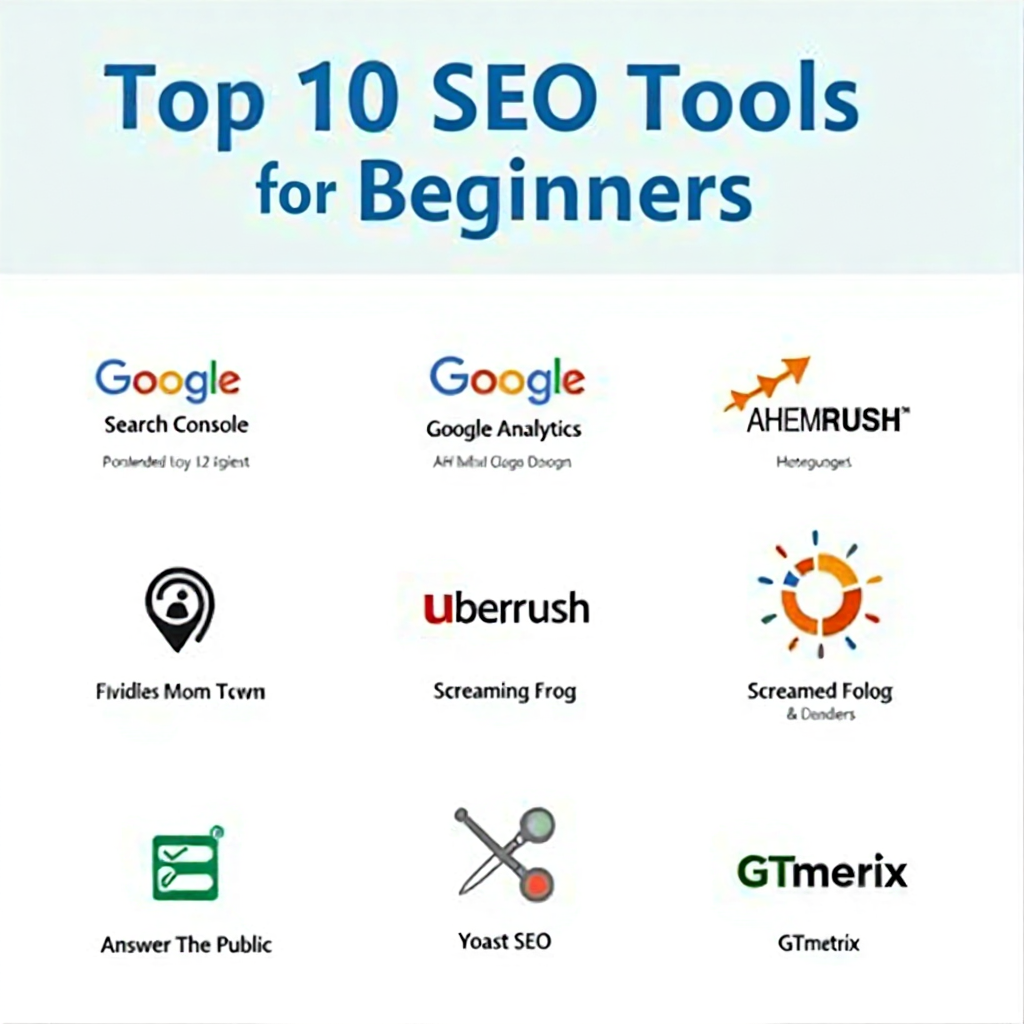
Discover the top 10 SEO tools every digital marketing beginner should master in 2025. Learn which free and paid tools can boost your rankings, traffic, and technical SEO performance.
Introduction: why SEO Tools Are Vital for Beginners
In the ever-evolving world of digital marketing, understanding how SEO (Search Engine Optimization) works can open doors to countless opportunities, from building your own brand to landing freelance projects or full-time marketing jobs.
If you’re a student, blogger, or aspiring marketer, mastering SEO tools is your shortcut to understanding how the web really works. These tools act like your digital microscope.they reveal what people are searching for, how competitors are ranking, and how your website performs in search engines like Google.
When you first dive into SEO, it might feel like learning a new language, with terms like “backlinks,” “crawl errors,” or “keyword density.” But here’s the good news: SEO tools simplify everything. Instead of guessing what works, you’ll have real data and actionable insights that make your SEO journey smoother and smarter.
Using the right mix of free and paid tools helps you:
- Identify profitable keywords to target.
- Track website performance and ranking improvements.
- Detect technical issues that might hurt SEO.
- Analyze competitor strategies and discover new opportunities. So, if you’re ready to build a strong foundation in digital marketing, here are the 10 essential SEO tools every beginner should master in 2025. perfect for both students and professional.
1️. Google Search Console ( Free)
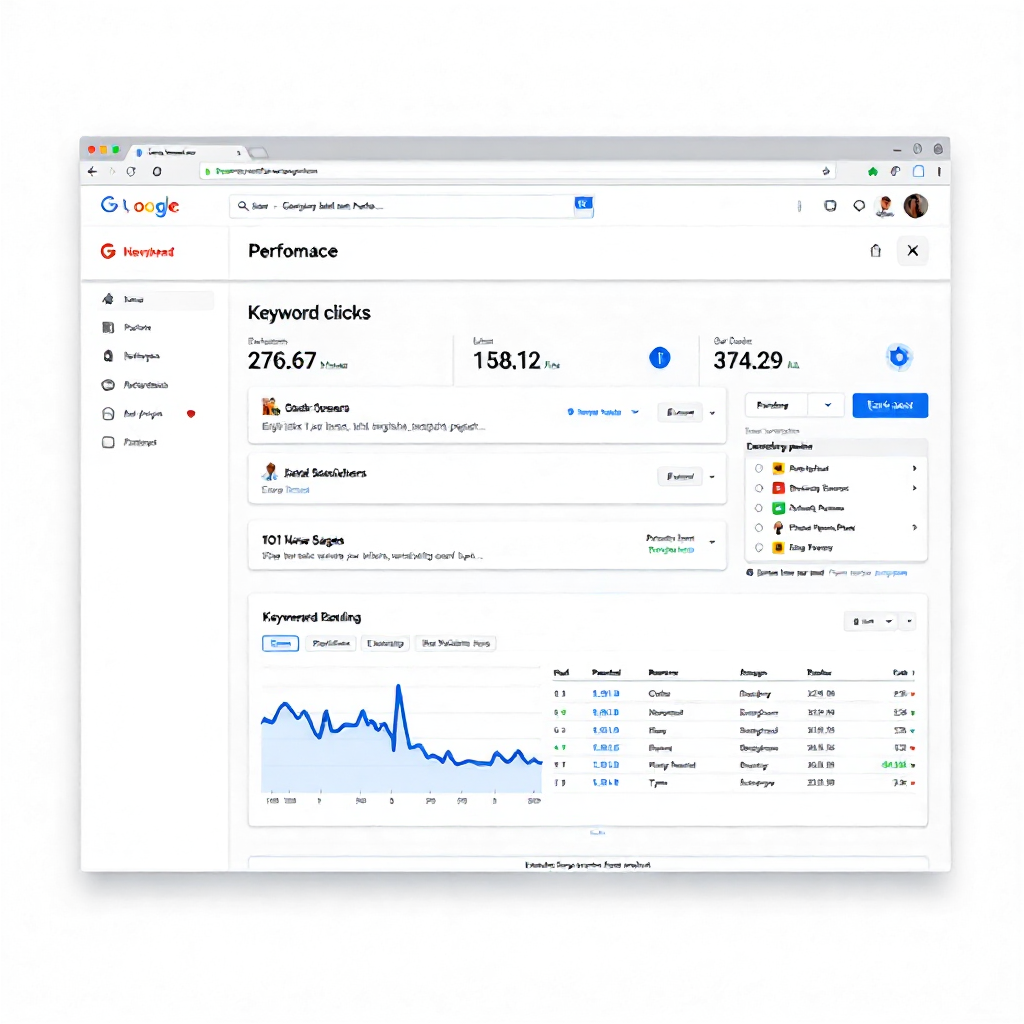
Purpose: To track your website’s performance on Google.
Why It’s Helpful:
- Shows which keywords bring traffic to your site.
- Alerts you about indexing or technical issues.
- Helps you understand clicks, impressions, and rankings.
- Perfect for beginners to monitor site health and keyword performance. It’s a must-have for every website owner.
Example: If you write a blog on “Best Travel Destinations,” Search Console shows exactly which keywords people use to find it like “top travel spots 2025” or “budget vacation ideas.” This helps you know what works and where to focus next.
Pro Tip: Check your “Performance” tab weekly to see rising keywords these are gold for future content ideas.
2️. Google Analytics ( Free)
Purpose: To track website visitors and user behavior.
Why It’s Helpful:
- Understand where your traffic comes from (organic, social, paid, etc.).
- Check engagement, session duration, and bounce rate.
- Measure conversions and sales funnel performance.
Example: Let’s say your website traffic increases after publishing a blog Analytics shows which post performed best, where users came from, and how long they stayed.
Bonus Tip: You can even track how many users clicked a button, filled a form, or made a purchase helping you optimize for real business results.
3️. Ahrefs ( Paid, Free Version Available — Ahrefs Webmaster Tools)
Purpose: Comprehensive SEO analysis.
Why It’s Helpful:
- Powerful keyword and competitor research.
- Backlink tracking and content gap analysis.
- Site audits to fix technical SEO issues.
Even if it’s paid, Ahrefs Webmaster Tools (free) gives you valuable insights for audits and backlinks.
Example: If you’re trying to rank for “digital marketing courses,” Ahrefs shows you who’s already ranking, what backlinks they have, and which content performs best helping you plan a smarter strategy.
Pro Insight: Ahrefs also lets you find broken links on other websites (using its Broken Link Checker) which you can replace with your own relevant content to earn backlinks. That’s a smart link-building trick for beginners!
4️. SEMrush ( Paid, Free Trial Available)
Purpose: All-in-one SEO and marketing toolkit.
Why It’s Helpful:
- Conduct keyword research and rank tracking.
- Analyze competitors’ websites and performance.
- Get on-page SEO suggestions and backlink audits.
SEMrush isn’t just for SEO, it also helps with PPC, content marketing, and social media.
Example: Suppose you want to compete with a local business. SEMrush helps you analyze your competitor’s top-ranking pages, keywords, and backlinks so you can create even better content and outrank them.
Bonus Tip: Use SEMrush’s Keyword Magic Tool to find low-competition keywords perfect for beginners.
5️. Ubersuggest ( Freemium – Free Basic Plan + Paid Pro Plan)
Purpose: Simplified keyword research and content ideas.
Why It’s Helpful:
- Find search volume, keyword difficulty, and ideas.
- Check domain overview and backlinks.
- Discover content ideas from trending topics.
Created by Neil Patel, Ubersuggest is beginner-friendly and perfect for those on a budget.
Example: Type “fitness blog ideas” and Ubersuggest shows real keywords people are searching like “home workout plan” or “weight loss motivation tips.”
Pro Tip: Beginners can use Ubersuggest’s SEO Analyzer to check their website’s health and get step-by-step improvement suggestions.
6️. Moz Pro ( Paid, Free Trial Available)
Purpose: SEO analytics and rank tracking.
Why It’s Helpful:
- Track Domain Authority (DA) and Page Authority (PA).
- Explore keywords and perform site audits.
- Get on-page optimization tips and link tracking.
Moz Pro is trusted by professionals and gives reliable, easy-to-understand SEO metrics.
Example: If you’re doing client work, showing them improvements in DA and PA over time is a great way to prove SEO progress.
Bonus Tip: Try MozBar, a free browser extension, to view SEO metrics directly on any webpage, great for quick competitor analysis.
7️. Screaming Frog SEO Spider ( Free up to 500 URLs)
Purpose: Technical SEO auditing.
Why It’s Helpful:
- Crawls your site like Googlebot to find issues.
- Detects broken links, duplicate content, or redirects.
- Finds missing title tags, meta descriptions, and H1s.
Screaming Frog is ideal for improving your site structure and technical health.
Example: After scanning your site, it gives a detailed report of all pages missing meta tags or having duplicate titles problems that can hurt rankings.
Pro Tip: Run a crawl monthly to ensure your website stays error-free, especially after content updates.
8️. Yoast SEO ( Free Plugin + Premium Plan)
Purpose: On-page SEO plugin for WordPress.
Why It’s Helpful:
- Optimizes meta titles, descriptions, and readability.
- Gives real-time SEO scores.
- Manages XML sitemaps and schema markup.
If you use WordPress, Yoast SEO is a must-have plugin to optimize every post before publishing.
Example: While writing a blog, Yoast gives you red, orange, or green lights based on your content quality making it easy to know what to fix before hitting publish.
Pro Tip: Use Yoast’s readability suggestions to improve flow and make your articles easier to read a key ranking factor for Google.
9️. Answer The Public ( Freemium – Limited Free Searches per Day)
Purpose: Keyword and content idea generation.
Why It’s Helpful:
- Shows real search queries related to your topic.
- Helps you craft SEO-friendly blog ideas and FAQs.
- Visualizes user intent with question-based searches.
Excellent for content creators and bloggers to discover what their audience truly wants to read.
Example: Searching “digital marketing” shows questions like “How to start digital marketing?” or “What is the future of digital marketing?” perfect for blog titles or YouTube video ideas.
Pro Tip: Use these questions as subheadings in your blog it improves SEO and readability.
10. GTmetrix ( Freemium – Free Basic Plan + Pro Features)
Purpose: Website speed and performance testing.
Why It’s Helpful:
- Tests your loading speed and performance grade.
- Suggests optimization fixes.
- Improves user experience and SEO rankings.
A faster website = better SEO & conversions. GTmetrix helps you find and fix performance issues easily.
Example: If your website takes more than 3 seconds to load, GTmetrix tells you exactly what’s slowing it down like large images or unused scripts.
Pro Tip: Always recheck your website speed after design or plugin changes. Even small tweaks can make a big difference in user experience.
How Students and Beginners Can Learn SEO with These Tools
If you’re just starting out, the best way to learn SEO is by practicing hands-on. Create a simple blog or portfolio site and start experimenting.
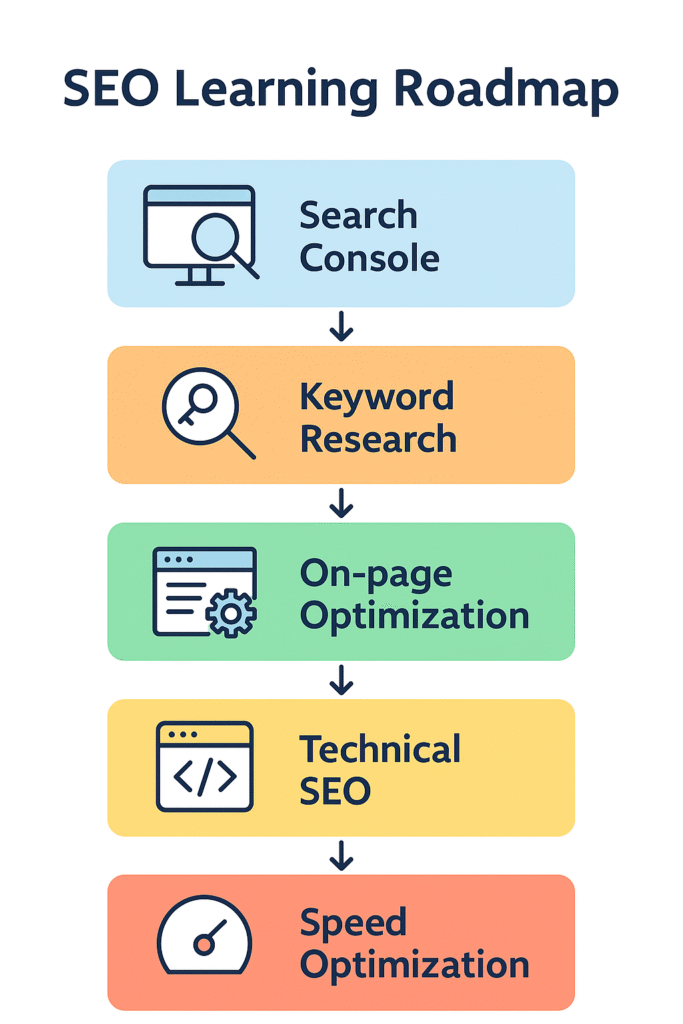
Simple SEO Learning Roadmap for Students:
- Google Search Console & Analytics — Learn to track traffic and keywords.
- Ubersuggest or Answer The Public — Find content ideas and topics.
- Yoast SEO — Optimize on-page content before publishing.
- Screaming Frog — Identify missing elements or broken links.
- Ahrefs or SEMrush — Analyze competitors’ SEO strategies.
- GTmetrix — Measure and improve site speed.
Pro Tip: Combine these tools with Google’s free Skillshop courses — it’s great for building your resume and SEO career.
FAQs About SEO Tools for Digital Marketing Beginners
Q1. Do I need to use all these tools?
No. Start with 2–3 tools like Google Search Console, Analytics, and Ubersuggest, then expand as you grow.
Q2. Are free SEO tools enough for beginners?
Yes! Free tools cover the basics keyword tracking, site performance, and optimization.
Q3. What’s the best SEO tool for WordPress users?
Yoast SEO or Rank Math are both great choices.
Q4. Which tool helps find backlinks?
Ahrefs and SEMrush are top tools for backlink tracking.
Q5. How often should I check SEO performance?
Once a week is ideal to monitor trends and make quick improvements.
Q6. Can SEO tools replace manual optimization?
No. Tools assist you but creativity, strategy, and content still matter most.
Conclusion: Build Your SEO Toolkit and Grow with Confidence
SEO is not just a skill, it’s a career-building superpower.
By learning tools like Google Analytics, Search Console, and Ubersuggest, you’ll not only improve your site but also gain real-world marketing experience that employers love.
Start with free tools, practice daily, and move toward advanced platforms like SEMrush and Ahrefs as your confidence grows. Remember:
Every SEO expert once started as a beginner, just like you.
Small, consistent actions, analyzing data, optimizing pages, learning from mistakes turn beginners into experts.
Continue your learning with Google’s official SEO Starter Guide and start applying what you’ve learned today!